
New feature: Schedule Warning Filters
11/18/2025
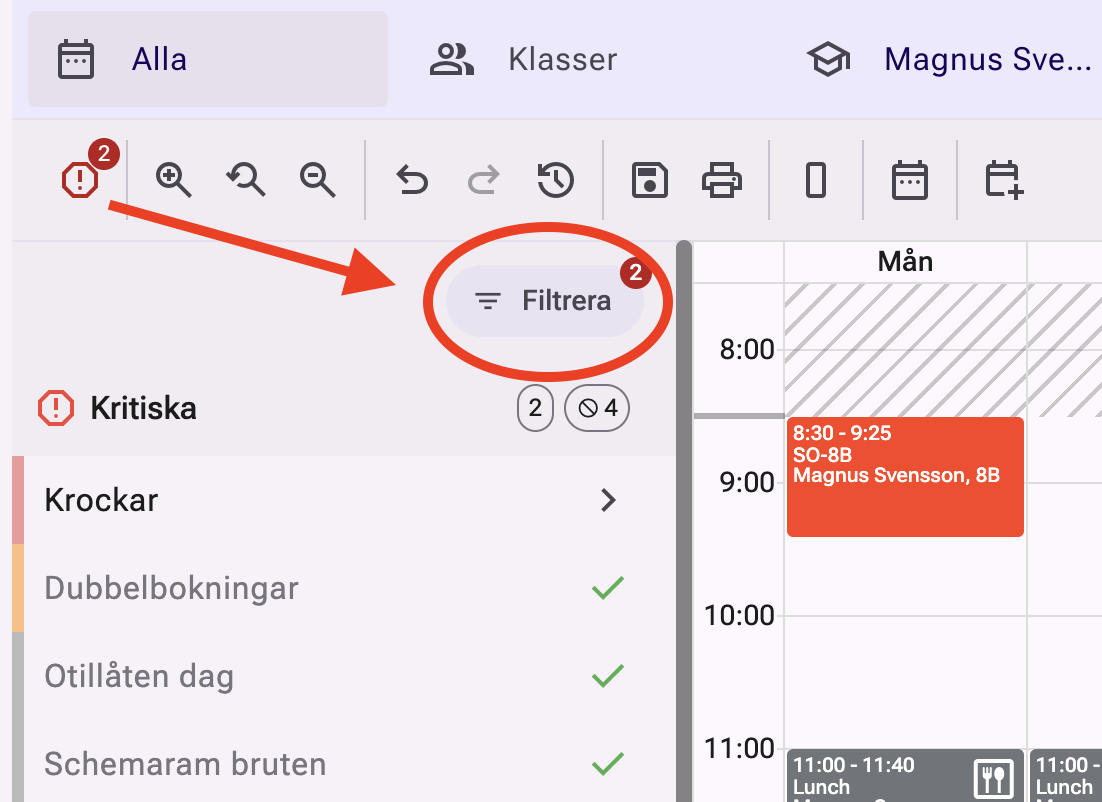
Royal Schedule is launching Schedule Warning Filters, a new feature that helps you clean up the timetable.
Tired of seeing warnings that are already approved, like conflicts caused by approved conferences? Now you can hide them!
How it works:
Go to the Warning Panel and click the Filter button.
- Create a filter and choose objects (course, teacher, room, etc.) and which warning types (e.g. conflicts) should be ignored.
- When the filter is active, the number of warnings decreases and the warning icons for hidden issues disappear from the timetable.
- Easily focus on the warnings that actually require action.
- Toggle the filter on and off when you need to review all warnings.