
Plan – service planning for schools
Plan brings school service planning into one workflow—from planning data and teacher allocation to reports and follow-up. Create a plan from scratch or automatically generate a proposal you can review and adjust.
From planning data to follow-up
Create and validate the plan
Bring source data together and check that it is ready before generation begins.


Generate activities and groups
Build on GY study plans or the GR timetable and create groups using your naming rules.


Allocate teaching services
Match teachers to activities based on qualifications, availability and workload.


Report and follow up
Generate all reports and compare planned hours with actual outcomes.


Clearer service planning from start to finish
Plan helps structure service planning for the school year and brings the work together in one connected workflow.
Different planning data for GY and GR
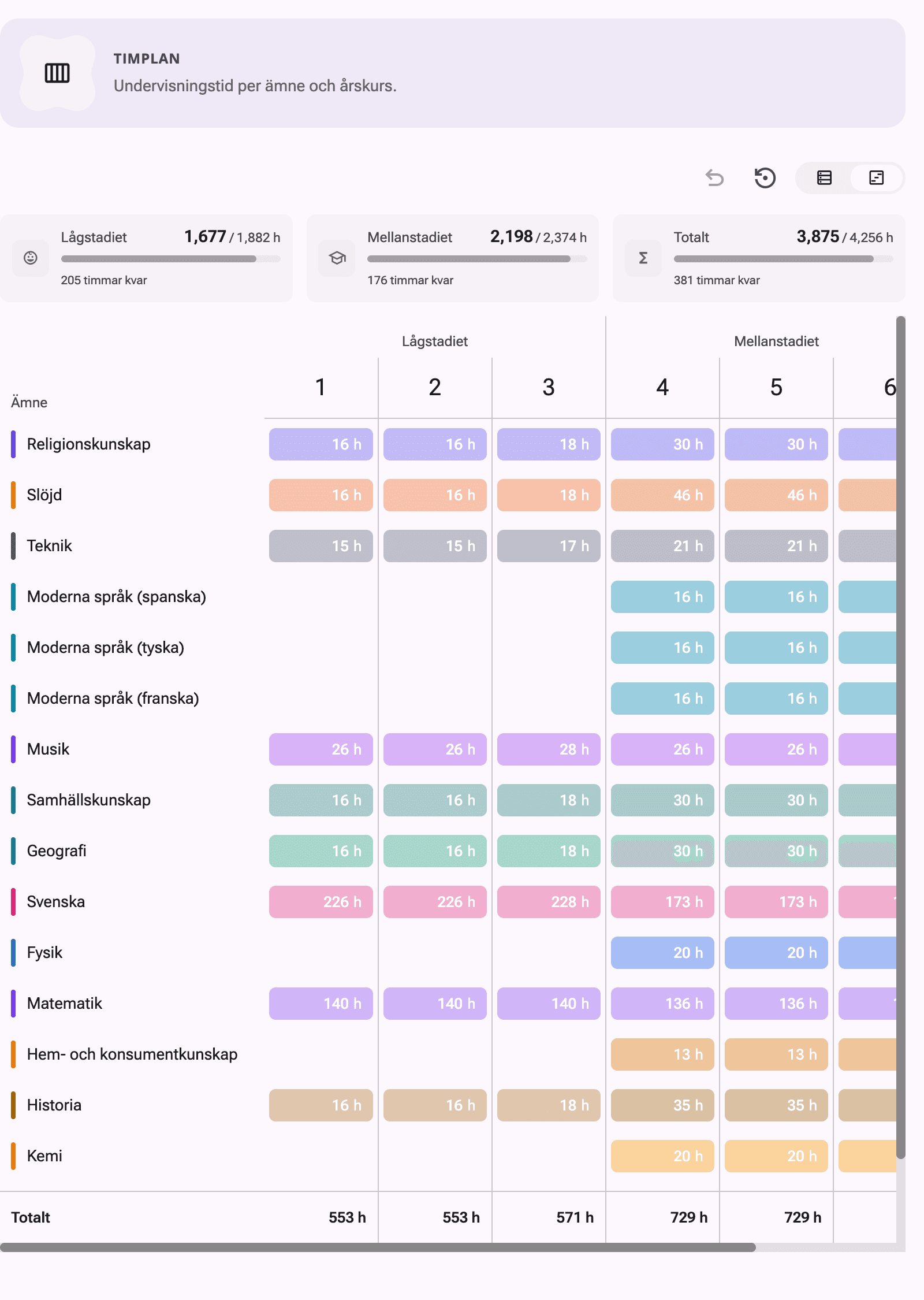
For GY, planning starts with study plans. Plan imports and validates the data before activities and groups are generated. For GR, Timplan provides an overview of teaching hours by subject and grade, across the lower and middle stages.
Automatically generated teacher allocation
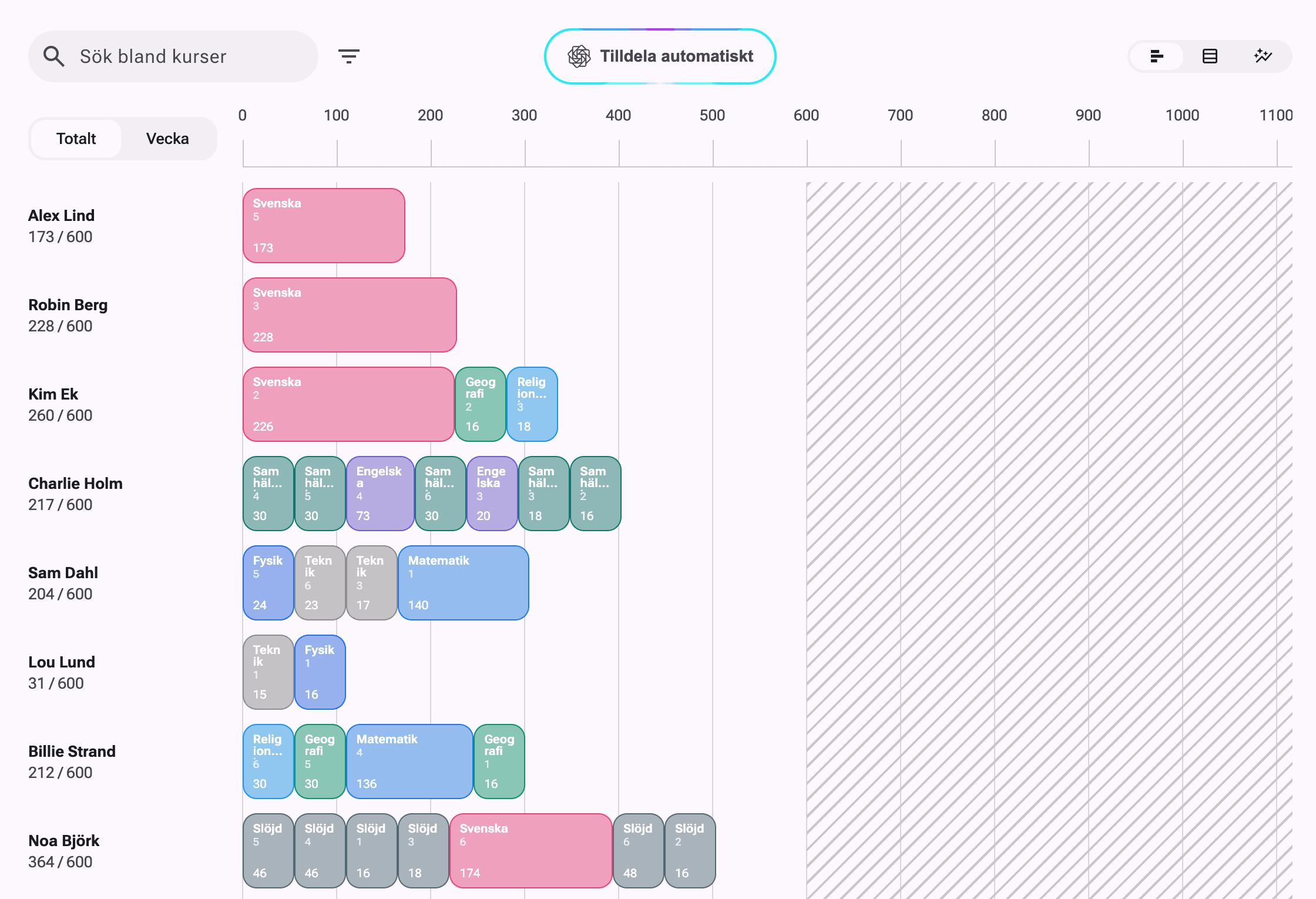
Plan generates activities and groups from your planning data and naming rules. Teachers are then matched to activities based on qualifications, availability and workload. Review and adjust the proposed allocation before moving forward.
Reports and follow-up
Generate all reports directly from service-planning data instead of manually compiling the same information across multiple documents. Follow planned hours against actual outcomes and see how the allocation works in practice.
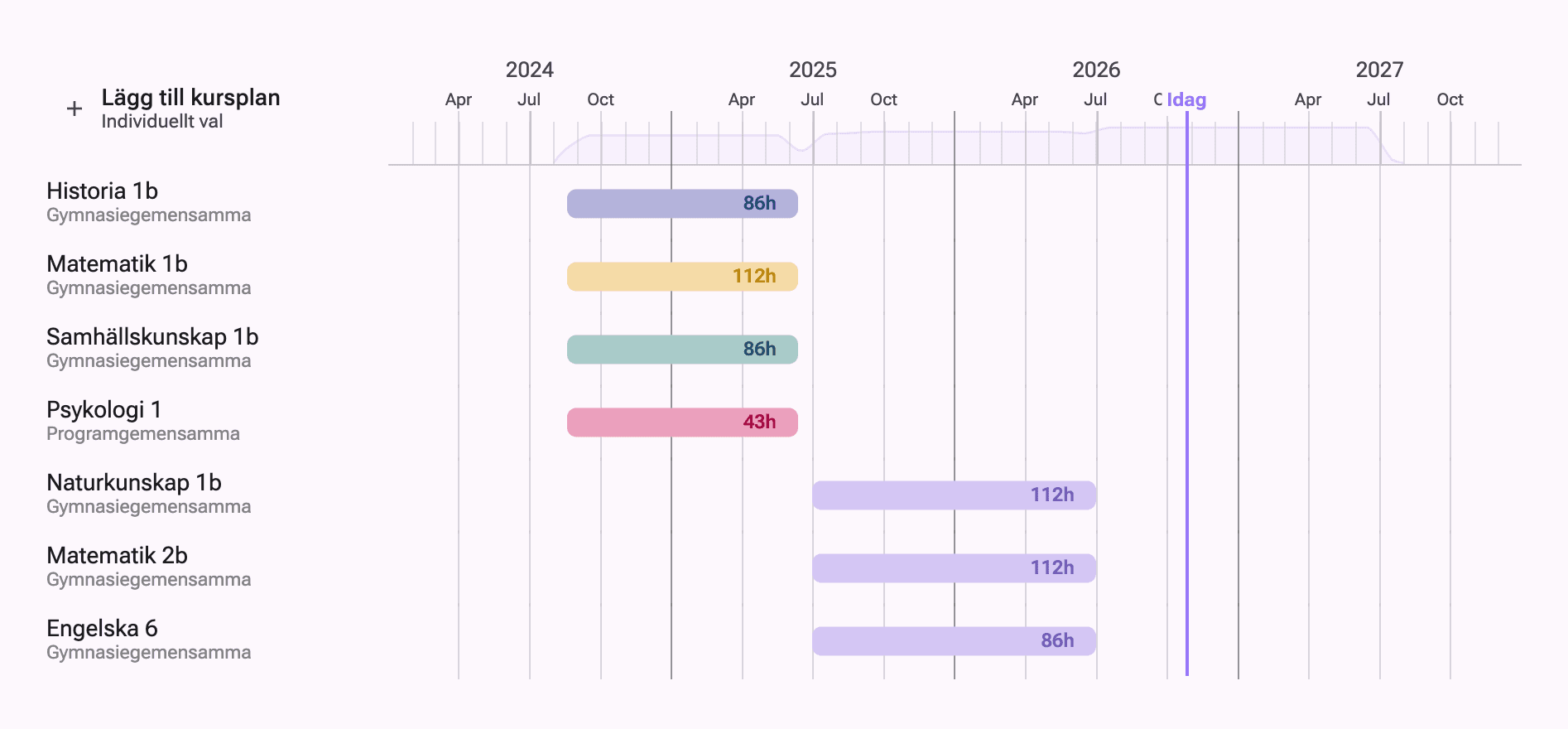
GY study plans as the starting point
For upper secondary, Plan uses student study plans as the basis for creating activities, groups and teaching duties. Review the input before generating a proposal.
GR planning with Timplan
For GR, start with Timplan: organize teaching hours by subject and year group, then carry that structure into activities and group creation.
See the full allocation in one place
Review how teaching is distributed across the plan, then follow planned hours against actual outcomes. Generate the reports you need from the same service-planning data.
Ready for a clearer overview?
Discover how Plan can make service planning clearer and more connected ahead of the next school year.