Blog
CoPlan: turn timetable data into reports and insights
Use CoPlan to compile report information, analyse timetable data and investigate warnings. Ask questions and refine your analysis in conversation.
10/19/2026
A timetable holds more than times and placements. It also helps explain how teaching, staff and rooms fit together. With CoPlan, start with the question you need answered and explore the data in a conversation.
Understand the report's warnings
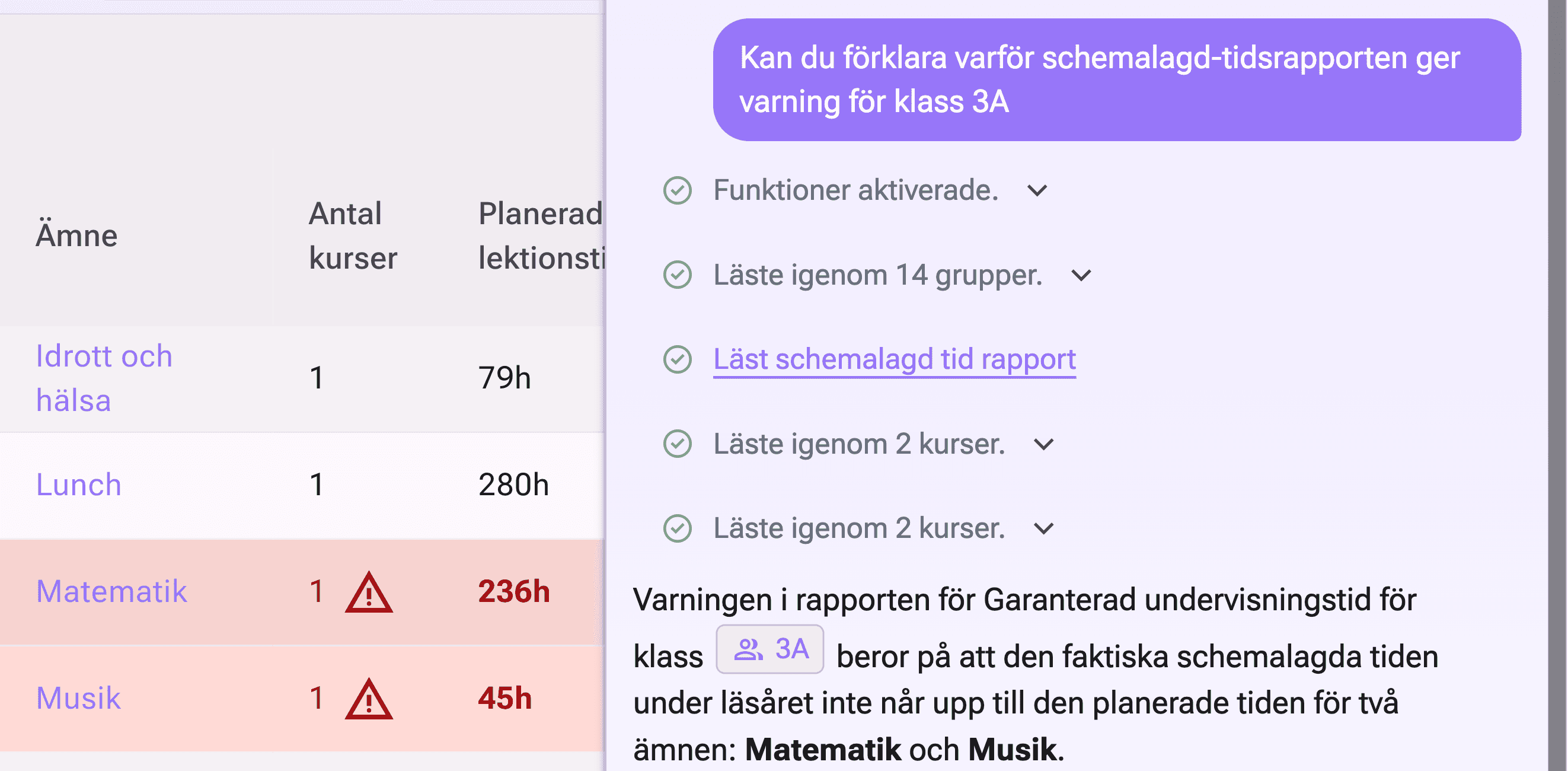
In the demo, we ask: “Can you explain why the scheduled-time report shows a warning for class 3A?” CoPlan reads the report and investigates the affected courses.
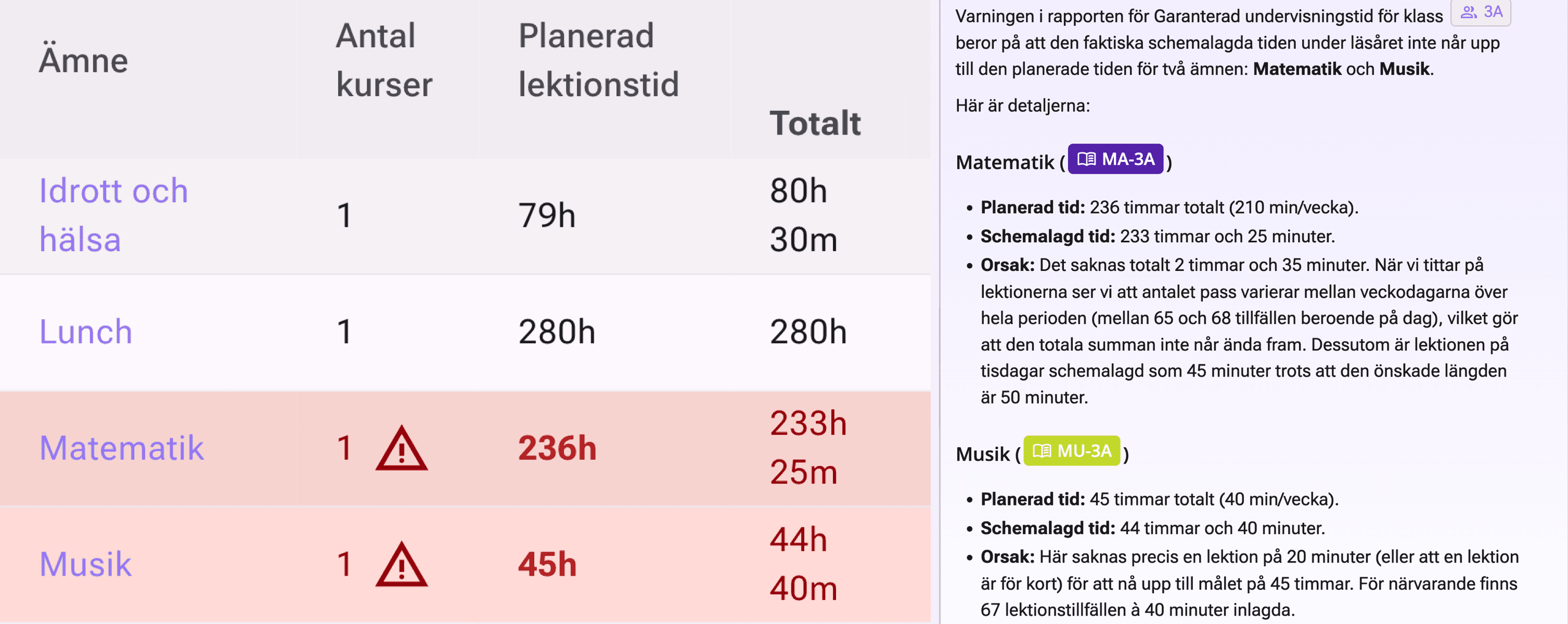
Mathematics has 236 planned hours and 233 hours and 25 minutes scheduled, a difference of 2 hours and 35 minutes. Music has 45 planned hours and 44 hours and 40 minutes scheduled, a difference of 20 minutes.
Instead of just a warning symbol, you get an explanation with references to the affected courses and information to investigate further. These figures come from the demo timetable, not general targets.
Ask for a report in everyday language
Describe the summary you need and specify the class, teacher, subject or period to include. For example:
- “List class 3A's Swedish lessons with day, time, teacher and room.”
- “How is this class's teaching distributed across the week?”
- “Which lessons in this timetable have no room?”
CoPlan can use available timetable information to compile a summary and explain the result. Access depends on your permissions and enabled features.
Analyse timetable data and investigate issues
Follow an overview with a more specific question. Ask CoPlan to investigate warnings, possible lesson times or connections between lessons and resources. Check the selected week, period and records when interpreting the answer.
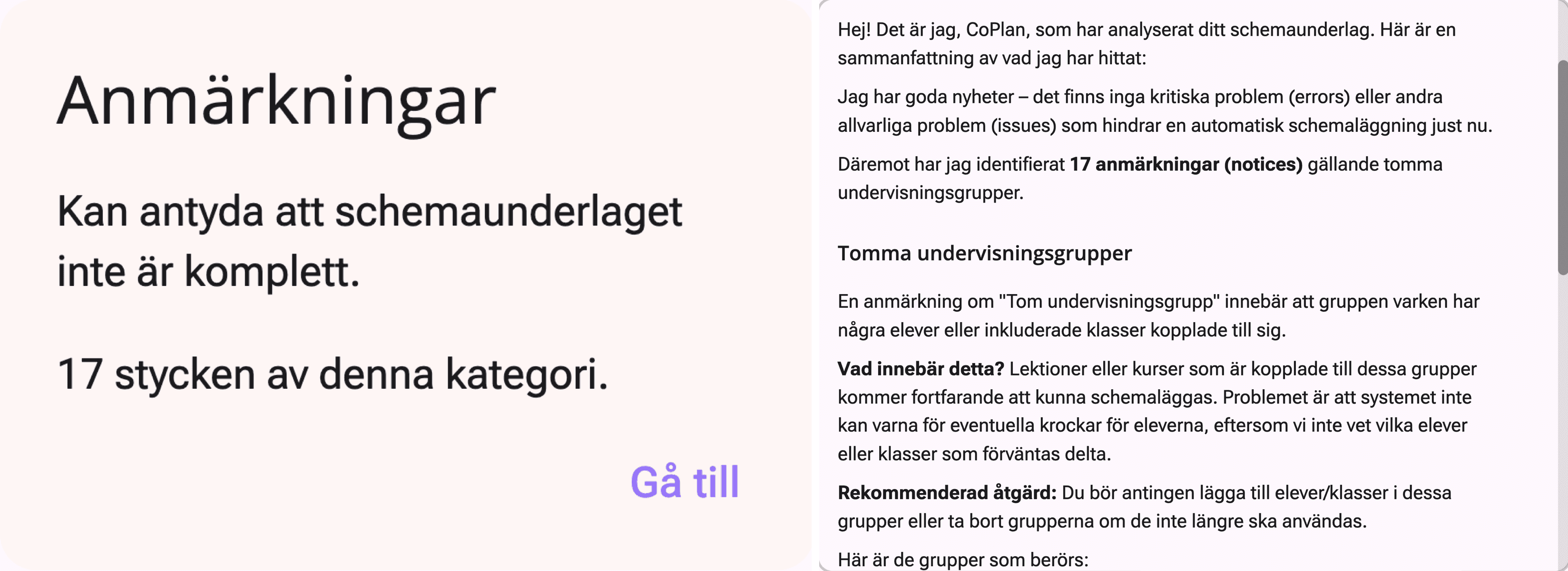
In the demo's scheduling-data analysis, CoPlan finds 17 notices about empty teaching groups, but no critical or other serious issues. The response explains the notices and recommends linking students or classes to the groups, or removing groups that are no longer used.
Refine the report with follow-up questions
You do not need to describe the entire analysis at once. Start with a summary, then ask “Show only Thursday's lessons” or “Which of these have a timetable warning?”. Work from a broad question towards a focused basis for a decision.
From the scheduling-data analysis, choose Continue in chat to ask follow-up questions.

From insight to a reviewed proposal
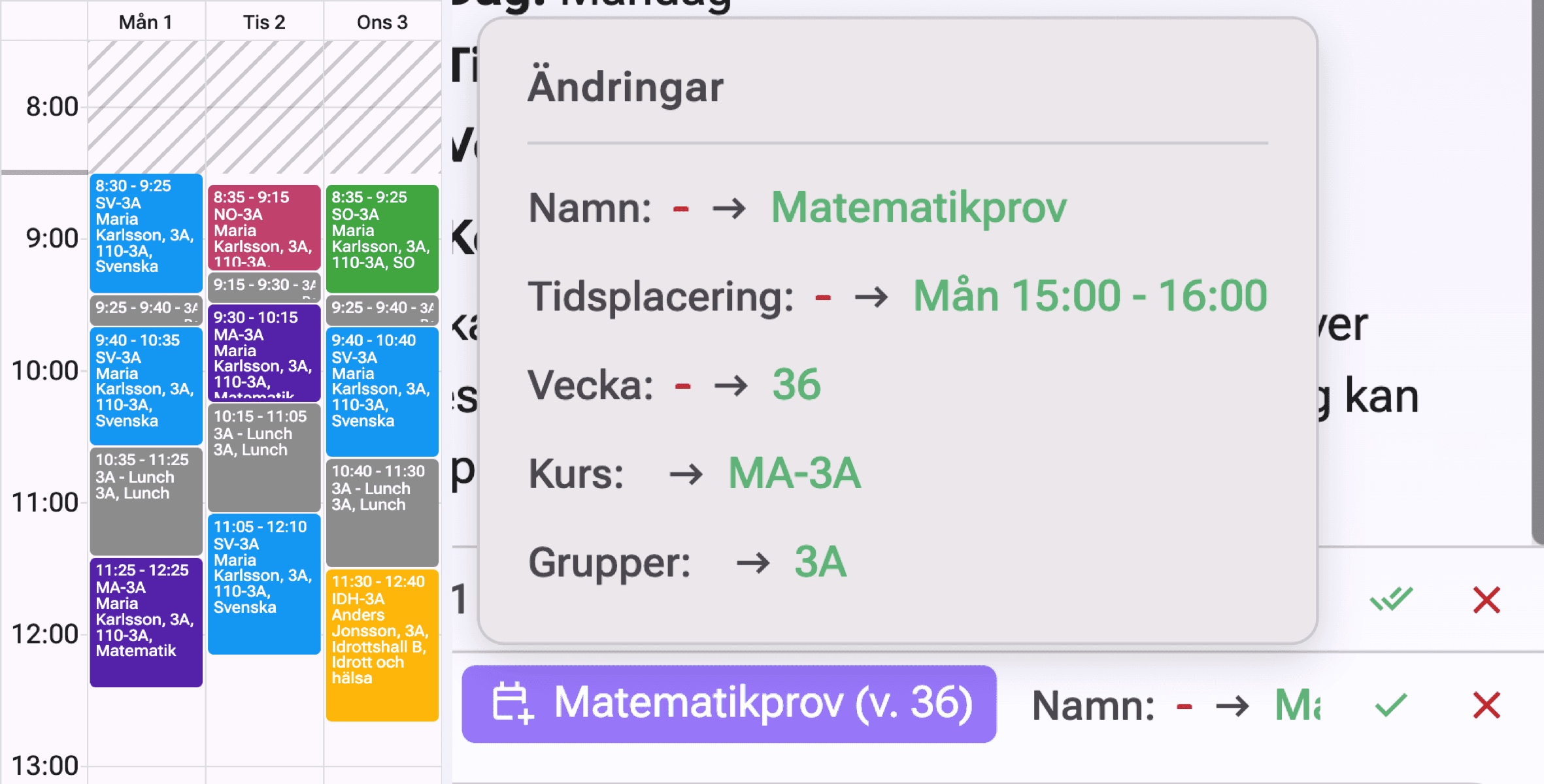
A report or analysis does not itself change the timetable. If you want to act on a finding, ask CoPlan to prepare a change. Proposals are reviewed and accepted separately.
CoPlan supports your assessment rather than replacing it. Verify the source information and important conclusions before making decisions or sharing the result.